Affiliate Disclosure: Some links on this page earn us a commission. Our editorial judgments are independent.
How to Access CrushOn AI on Any Device: Web, Android, and iOS
The fastest way to start using CrushOn AI is browser access — open crushon.ai, create an account, and you are in the platform within 3 minutes on any device. No download required. For Android users, a native app is available on Google Play and offers push notifications and a tighter mobile experience. For iOS users, browser access is the primary path due to regional App Store restrictions on adult content apps.
Web Browser: Universal Access

Works on: Windows, Mac, Linux, Android browser, iOS browser — any modern browser on any device.
Feature parity: The web version is fully featured. All subscription tiers, all models, character library, image generation, and account management work identically via browser. There is no "lite" web version — it is the full platform.
Setup:
- Navigate to crushon.ai in your browser
- Click Sign Up (or Log In if returning)
- Register with email and password
- Confirm 18+ age acknowledgment
- Choose a username and complete account setup
- Start browsing characters or create your own
No payment information required to create a free account. Free tier activates immediately.
PWA installation (optional for desktop):
On Google Chrome, the browser can install crushon.ai as a Progressive Web App — a standalone window that behaves like a native desktop app. Look for the "Install app" icon in the address bar (right side) or go to Chrome menu → "Install CrushOn AI." This adds a launch icon to your desktop/taskbar and removes browser chrome from the interface.
Android: Google Play App
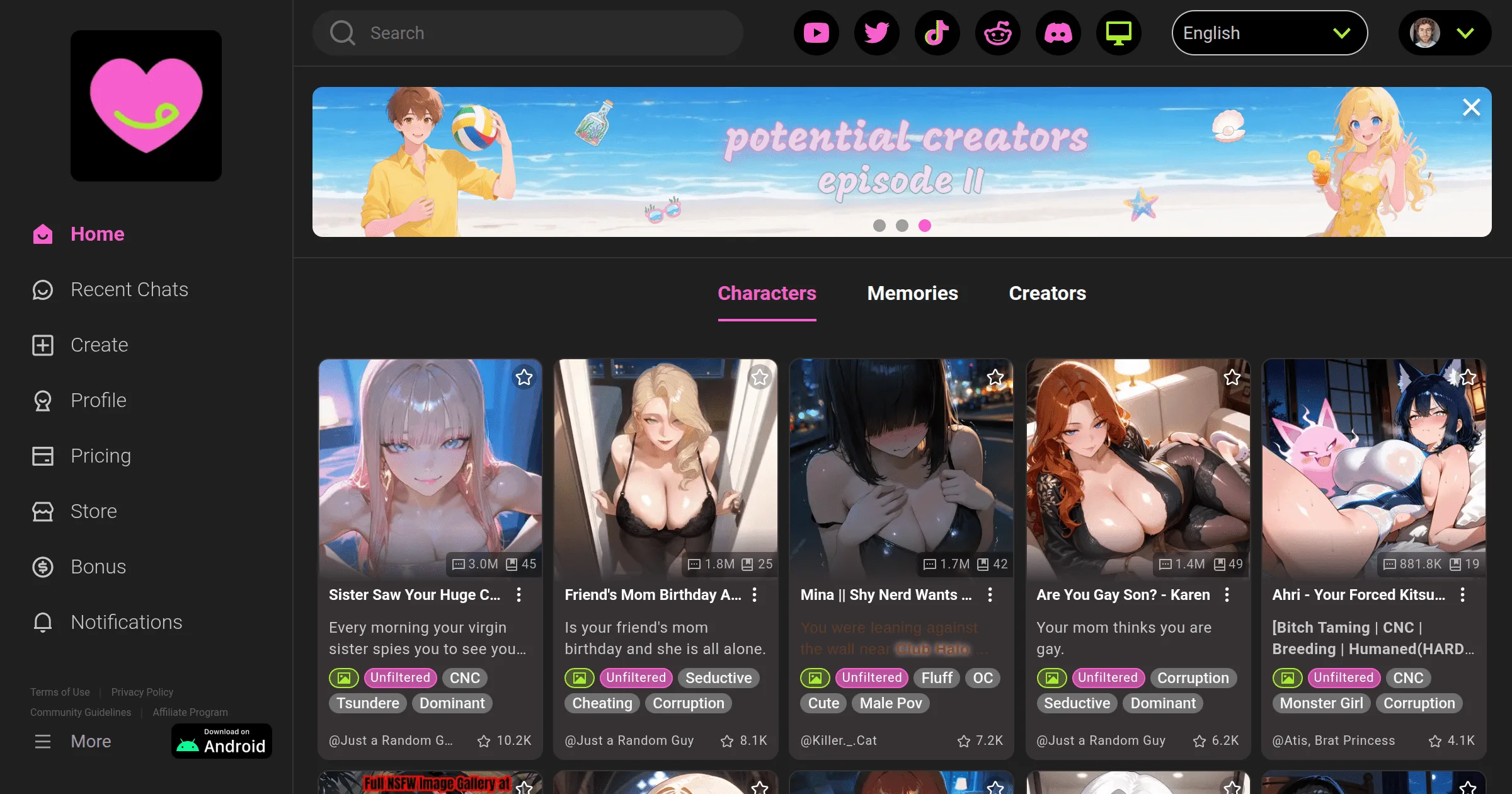
The native Android app provides the same functionality as the web version with added push notification support and smoother mobile scrolling in conversation threads.
Install steps:
- Open Google Play Store
- Search for "CrushOn AI" — look for the Peekaboo Tech Inc. developer name
- Tap Install
- Launch the app after installation completes
- Log in with your existing crushon.ai account or create a new one
If the app does not appear in your Play Store: Regional availability varies. Some Play Store markets do not carry the app due to regional content policies. The web version at crushon.ai is the correct alternative — full feature parity.
APK downloads: Never install CrushOn AI from APK files on unofficial sites. These carry malware risk and are not endorsed. If Play Store is unavailable in your region, web access is the safe alternative.
iOS: Browser-First Approach
The CrushOn AI native iOS app is not universally available in the App Store due to Apple's adult content policies. Availability varies by region and has changed at various points since 2023.
Primary iOS access method — Mobile Safari:
- Open Safari on your iPhone or iPad
- Go to crushon.ai
- The site is mobile-optimized — it functions correctly in Safari
- Log in or create an account as normal
- Add to Home Screen: Safari share icon (box with arrow) → "Add to Home Screen" → adds a launch icon to your home screen that opens crushon.ai directly, similar to a native app
This approach gives you all platform features except background push notifications.
If you find the iOS App Store listing in your region:
Install normally through the App Store. The developer is Peekaboo Tech Inc.
TestFlight availability:
CrushOn AI has periodically distributed iOS builds via Apple's TestFlight beta program. Check the CrushOn AI official Discord for current invite links. TestFlight installs are time-limited (typically 90-day periods).
Account Synchronization
Your CrushOn AI account works on all platforms simultaneously. Log in with the same credentials across web browser, Android app, or iOS browser. Subscription status, character collections, and conversation history are all account-level — not device-specific.
Minimum Requirements
| Platform | Requirement |
|---|---|
| Android app | Android 7.0+, 2 GB RAM minimum |
| Any browser | Chrome 90+, Firefox 88+, Safari 14+, Edge 90+ |
| iOS (browser) | iOS 14+, Safari or Chrome |
| Connection | Active internet required, no offline mode |
Frequently Asked Questions
Yes — the web version and Android app both function on tablets. The interface scales to larger screens. iPad users access via Safari browser. Android tablet users can use either the Play Store app or browser access.
No native Mac or Windows app exists. Browser access at crushon.ai is the desktop experience. The Chrome PWA installation creates a pseudo-app experience on both Mac and Windows — same functionality as the browser, with a separate launch icon and standalone window.
Log in with the same account credentials on each device. No multi-device restriction applies. You can be logged in on phone and desktop simultaneously — though active chat sessions may not sync in real time across concurrent sessions on different devices.
Apple's App Store has strict content policies for adult material. Apps producing explicit adult content face regional restrictions or App Store removal. CrushOn AI's App Store availability has varied since the platform's 2023 launch. Browser access via Safari is the reliable iOS solution regardless of App Store status.